The Login Left Behind: A Smart-Home Handover Audit for UK Moves
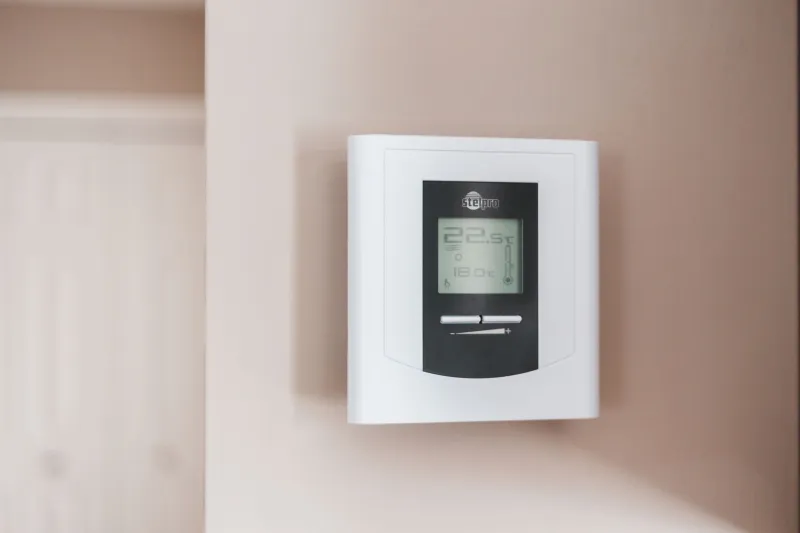
Moving day has a familiar script. Boxes go out, keys go across, the kettle gets unpacked. Then the new owner tries to turn up the heating and discovers the thermostat is still loyal to someone else. The boiler is fine. The radiators are fine. The app says the device is linked to another account, and the new owner is standing in a warm-ish house wondering who exactly owns the heating.
This is the smart-home handover gap. The fixtures and fittings list covers curtains, shelves and the fridge. It rarely covers the software that now runs the front door, the hot water and the car charging. That is a productivity problem dressed as a property problem. The house has a digital estate, and nobody has planned the handover.
The software is part of the fixtures now
A smart thermostat is not just a shiny box on the wall. It is a box plus an account, a schedule, a family invitation and a cloud history. The same goes for video doorbells, smart locks, alarm systems, EV chargers and solar inverters. Even a broadband router can leave behind an ISP account and a Wi-Fi name that the buyer cannot administer.
In the UK, the fixtures and fittings form is where sellers usually declare what stays and what goes. It is a good document, but it was not designed for logins. A useful handover adds a simple device schedule alongside it: what the device is, where it lives, which app controls it, which email address owns it, and what should happen on completion day. This is not legal advice, and it is not a replacement for your conveyancer. It is an operations document for the house.
Start with an inventory, not a reset
Before anyone factory-resets anything, make a list. Walk the property and note every connected device that will remain. Include the obvious ones and the awkward ones: thermostat, doorbell, cameras, smart plugs, hub, alarm panel, EV charger, solar inverter, heat pump controller, smart meter display, broadband router. For each, note the app, the account email, whether it is shared with anyone else, and whether the manufacturer allows ownership transfer.
Sellers should do this early, ideally before the property goes on the market. Buyers should ask for it during the conveyancing process rather than on the morning of completion. Renters should do a smaller version at the start and end of a tenancy, because a landlord's smart lock or heating controller is not the tenant's property, but the account attached to it can still become a mess.
The four-bucket method
Once the inventory exists, sort each device into one of four buckets. It keeps the handover from turning into a last-minute app hunt.
-
Stays and transfers. Some manufacturers let you invite a new owner into the account or transfer admin rights. Do that properly. Remove your own access only after the buyer has accepted the invitation and can see the device. Do not simply hand over your password; shared credentials are not a handover, they are a liability.
-
Stays and resets. Many devices cannot change owner cleanly. In that case, remove the device from your app first, then factory-reset it, then leave the setup instructions for the buyer. The order matters. A reset alone can leave a ghost record in your account, and a removal alone can leave the device waiting for a network that no longer exists.
-
Goes with you. If the smart speaker or plug is coming to the new place, remove it from the old home's routines and accounts before it travels. Otherwise it will keep trying to reach a Wi-Fi network you have left behind.
-
Orphaned. This is the old account nobody remembers: the doorbell from a previous owner, the solar monitoring login set up by an installer, the EV charger app tied to a former energy tariff. Find it, claim it or kill it. An orphaned device is a security question and a support call waiting to happen.
Watch the awkward devices
Solar inverters and EV chargers deserve special attention. They are often installed by a third party and monitored through an installer or manufacturer portal. Transferring them may need a support ticket rather than a button. Start that process weeks before completion, not on the day. The same applies to alarm systems with monitoring contracts and heat pumps with installer-linked apps.
Cameras and doorbells need a privacy pass. Remove cloud recordings, check shared users, and reset the device. Nobody wants their old doorstep clips sitting in an account they no longer control. Broadband routers should be returned or reset according to the ISP's instructions, and the buyer should know which provider is active and what hardware stays.
Put it in the paperwork
A device schedule does not need to be technical. A table with columns for device, location, app, account owner, action and completion date is enough. Attach it to the fixtures and fittings information or pass it through your conveyancer. Buyers should verify the big items during the final walkthrough: can the heating be controlled, can the doorbell be claimed, can the charger be accessed, can the solar monitoring be transferred?
Sellers should avoid leaving passwords in a kitchen drawer. Use the manufacturer's transfer flow or a reset, and write down what you did. Buyers should treat the schedule as part of the handover pack, alongside keys, manuals and bin collection days. Renters should agree with the landlord who owns each account and reset what they added before the keys go back.
A short checklist
For sellers: inventory every connected device, decide transfer or reset, remove your access after the buyer is in, delete cloud recordings, and attach the device schedule to the paperwork.
For buyers: ask for the schedule early, check transferability before completion, confirm admin access on the final walkthrough, and change any shared passwords or invitations immediately.
For renters: record what was already smart when you moved in, ask before adding devices, and reset your own accounts at the end. Do not leave a landlord's heating system tied to your personal email.
A house is no longer just bricks, deeds and a boiler. It is also a small stack of accounts. The handover should say so.