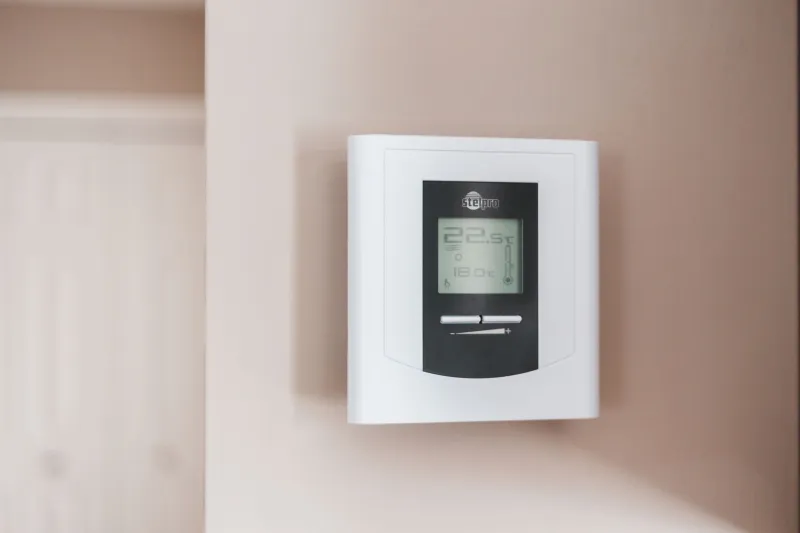
The Quiet Expiry Date: Dating a Gadget's Security Support Before You Buy

Photo: Anthony Vosper , CC BY-SA 2.0, via Wikimedia Commons
You would not pick up a carton of milk without glancing at the date on the side. Yet most of us buy a router, a laptop or a smart plug with no idea when its security support runs out. The box is glossy, the spec sheet is loud, and the one date that really matters is buried in a support page nobody visits until something goes wrong.
That date has a name worth learning: the end of security support. It is not the warranty. It is not the day the battery dies. It is the point at which the manufacturer stops fixing the flaws that attackers use. In 2026, with connected kit in every hallway, that is a buying decision, not an afterthought.
The date the retailer will not volunteer
Since the UK's Product Security and Telecommunications Infrastructure regime came into force in April 2024, manufacturers of connectable products have had to publish a defined minimum support period and say how long security updates will be provided. That is progress. It is not a guarantee of five years, and it is not a guarantee of five minutes. The length is set by the manufacturer, which means one smart camera can promise updates until 2031 while another offers a vague 'ongoing support' that means whatever the marketing team had for lunch.
Retailers have become skilled at saying just enough. A shelf label reads 'security updates included' without a date. A product page mentions 'regular firmware releases' and links to a PDF that has not been touched since the previous model. The box may say 'lifetime support', which sounds generous until you ask whose lifetime. The trick is to treat any support claim without a year as a claim without a date, and a claim without a date is not a plan.
Build a support horizon score
You do not need a spreadsheet. You need four questions, each scored from zero to two. Add them up and you have a rough support horizon out of eight: a quick way to compare two gadgets that look identical on the shelf.
1. Is there a published end-of-support date? Two points for a specific year and month. One point for a year alone. Zero for 'ongoing' or silence. 2. Is the update cadence documented? Two points for a stated rhythm, such as monthly or quarterly security releases. One point for 'as needed'. Zero for no information. 3. Does the device depend on an account or cloud service? Two points if core features work without an account. One point if an account is optional. Zero if the gadget becomes a brick when the service closes. 4. Is the policy easy to find? Two points if it is linked from the product page. One point if it is buried in a support portal. Zero if you have to email sales.
A laptop that scores seven or eight is a reasonable bet. A router that scores three is a warning. A smart doorbell that scores two is a subscription with a plug attached.
Where the horizon shortens fastest
Laptops are the obvious trap, but not for the reason people think. The operating system may be supported for years while the manufacturer's own drivers and firmware quietly stop. A machine that runs the latest Windows release can still be stuck on a biometric reader or docking station that never receives another fix. Check the model's support page for firmware releases, not just the OS lifecycle page.
Routers are the blind spot in most UK homes. ISP-supplied boxes often receive patches while you are a customer, then slow down or stop when the contract changes. If the router is the front door to your home network, a support horizon of eighteen months is not a long time. Buy your own only if the manufacturer publishes a clear end date and a real update history.
Smart home kit and wearables are where 'working' and 'supported' drift furthest apart. A smart plug that still clicks on command may be running firmware with no fixes since 2023. A fitness watch can track your runs for years after the companion app stops receiving updates. The hardware feels fine. The security does not.
What to ask before you tap the card reader
Ask for the exact model number, not the friendly product name. Then ask where the end-of-support date is published. If the answer is a page you cannot find in thirty seconds, that is your answer. Ask whether security updates are free for the whole period and whether they arrive automatically. Ask what happens to the device if the company is sold or the cloud service closes. A good retailer will not know all of this. A good product page will.
When the clock runs out
Do not panic and do not bin a working device on day one. Start with exposure. A router that no longer receives patches is the priority: replace it, or at the very least move it behind a newer device and turn off remote administration. A laptop that has fallen out of driver support can still be useful offline, or with a lightweight operating system if you are comfortable with the trade-offs. A smart plug or camera without updates should come off the main network; if it cannot be isolated, it should be retired.
Do not pass an unsupported gadget to a friend or family member as a bargain. They inherit the risk without the warning. Use a local electrical recycling point instead. The point is not to chase the newest thing. It is to know which clock is ticking, and to stop pretending that a device that switches on is a device that is looked after.